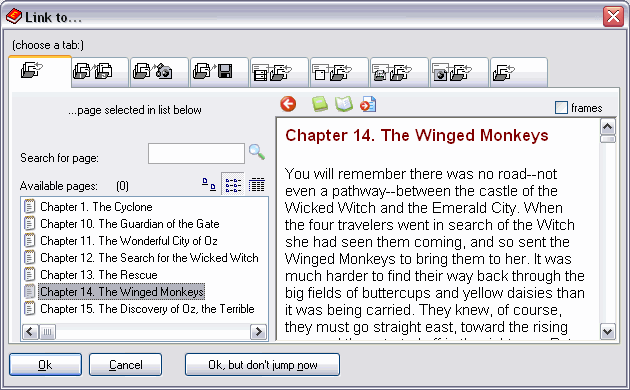
Link to internal pages
The easiest link is when you link to pages inside the current document (ebook/hypertext). You should simply select the destination page for the link (a click on the linked text/image will cause a jump to that page) in the list on the left, or you can browse in the preview (the links in the preview - if any - are active, you can click and the selected page changes, also in the left list). Just press OK when you’re done.
Click on the image to get Help:
create ebook for iPad Kindle Nook iPhone Palm Smartphones Mac Linux epub mobi industry standard
Other VisualVision good programs:
|
The professional fast and easy e-book creator builder compiler protector software - the great program for creating building making good ebooks
|